采用的是大佬的github项目:https://github.com/bin456789/reinstall
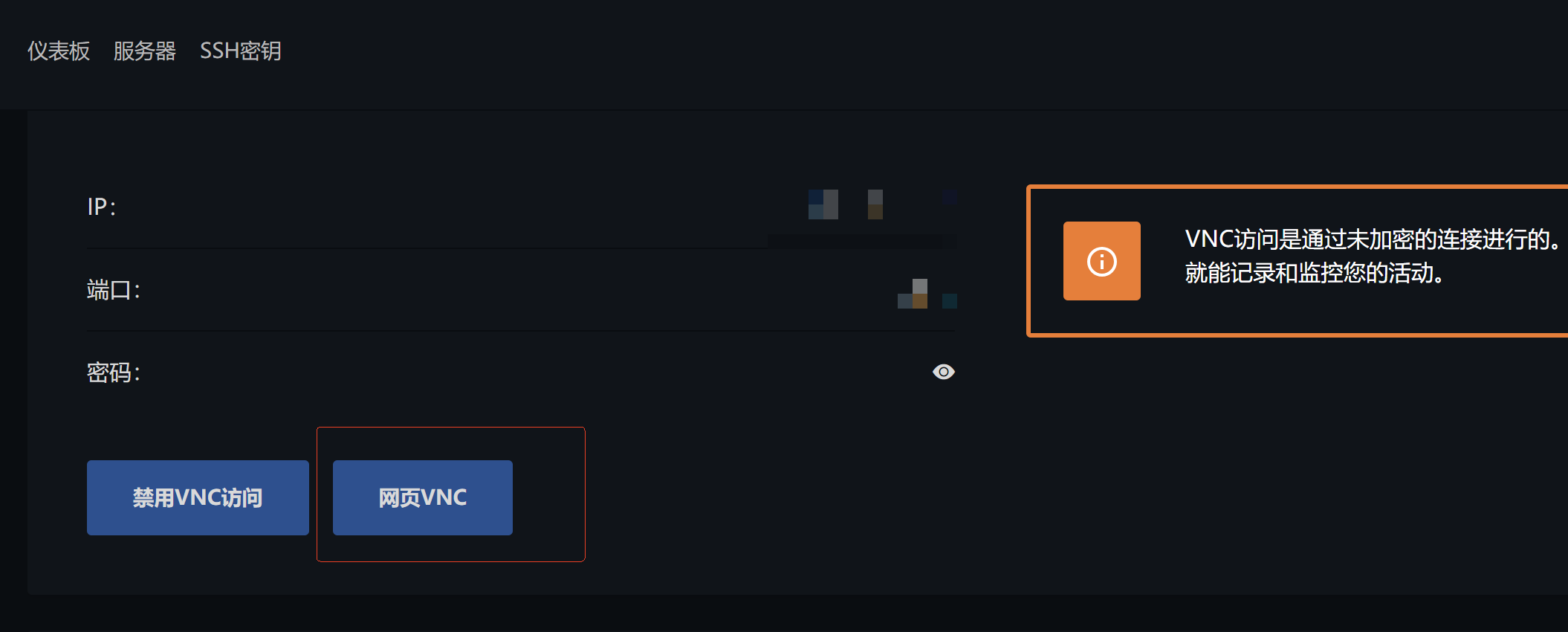
注意,在开始前务必准备好VNC,要么小鸡控制台提供VNC访问,要么自己先安装一个,不然在重启安装windows时无法进入系统。
正式开始
Step 1: 安装一键DD脚本
安装DD脚本:
curl -O https://raw.githubusercontent.com/bin456789/reinstall/main/reinstall.sh || wget -O reinstall.sh $_
Step 2: 指定安装的windows镜像
这里可以指定要安装的镜像和d
bash reinstall.sh windows \
--image-name "Windows 11 Enterprise LTSC 2024" \
--lang zh-cn
Step 3: 重启系统并登录VNC完成系统安装
使用命令:reboot重启系统,这个时候ssh会断开,要开始装windows了,ssh也连不上了因为系统已经开始重做了。
Step 4: 启用远程桌面(非必要步骤)
安装完成之后使用命令行来启用远程桌面
- 以管理员身份打开命令提示符(搜索
cmd→ 右键 → 以管理员身份运行) - 执行以下命令开启远程桌面功能:
cmd
reg add "HKLM\SYSTEM\CurrentControlSet\Control\Terminal Server" /v fDenyTSConnections /t REG_DWORD /d 0 /f
- 开启防火墙规则以允许远程连接:
cmd
netsh advfirewall firewall set rule group="remote desktop" new enable=Yes
如果是中文系统可能会报错
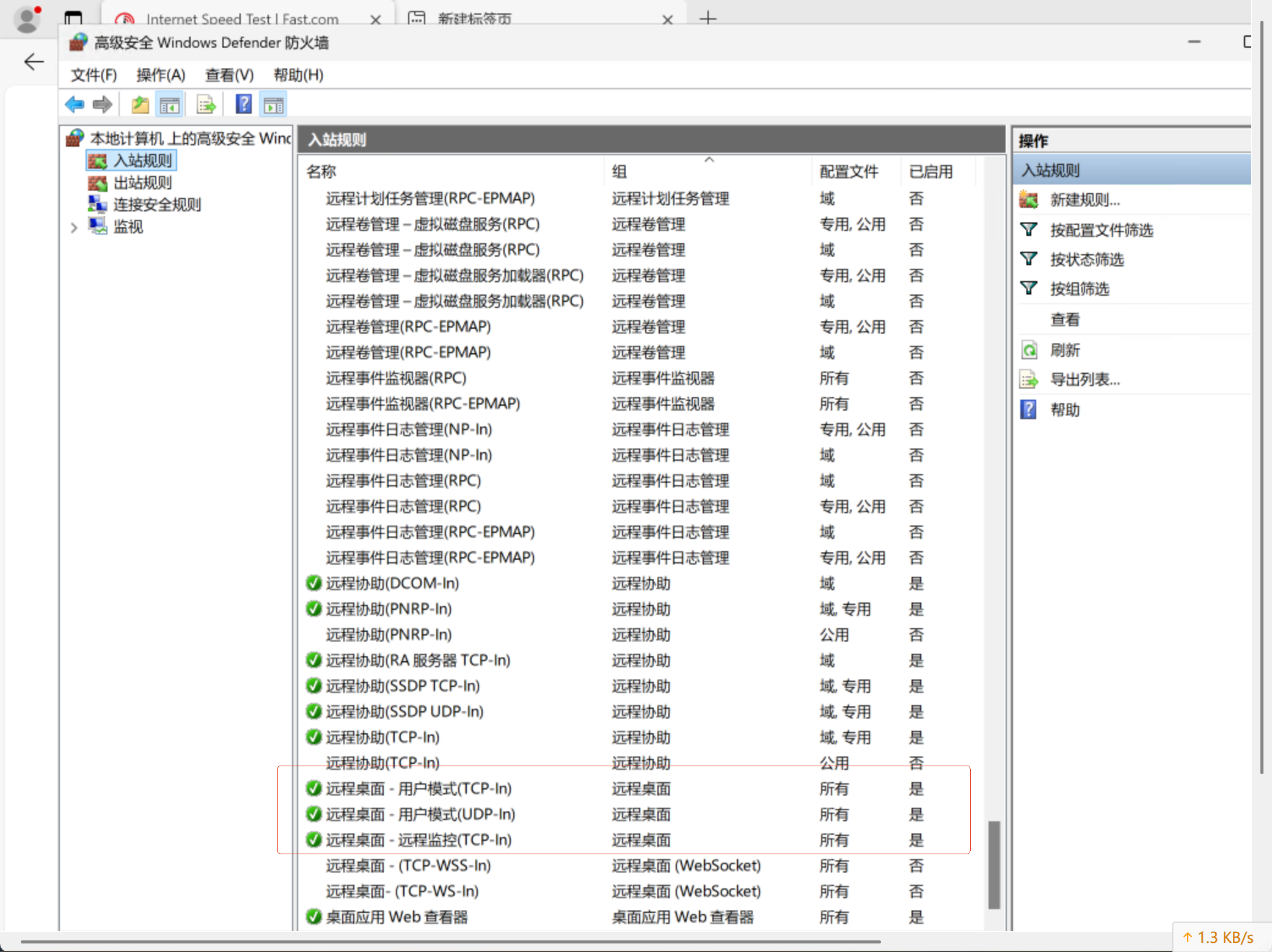
确保防火墙已经允许远程端口3389的入栈
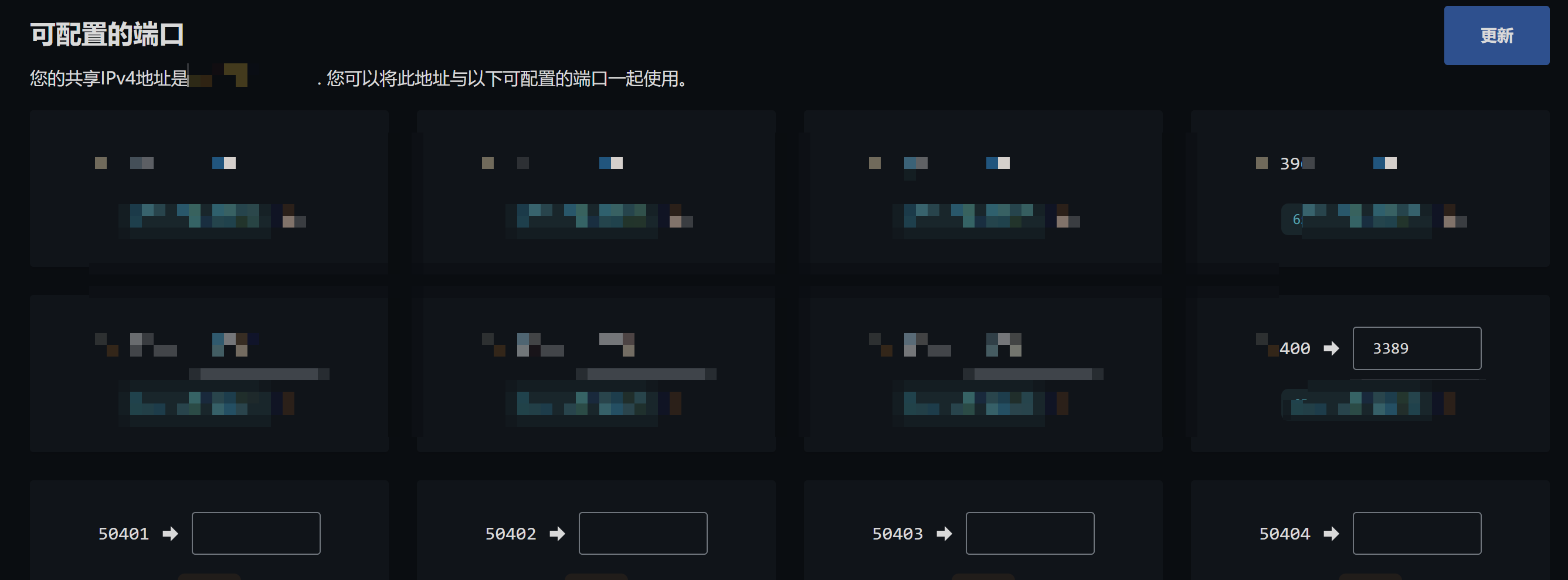
最后,windows 远程这个vps. 由于是NAT机器,需要做下内网映射,将允许的tcp端口(比如我的52400)映射为内网的3389端口,然后用外网的端口52400来远程连接这个vps.
最终的效果:
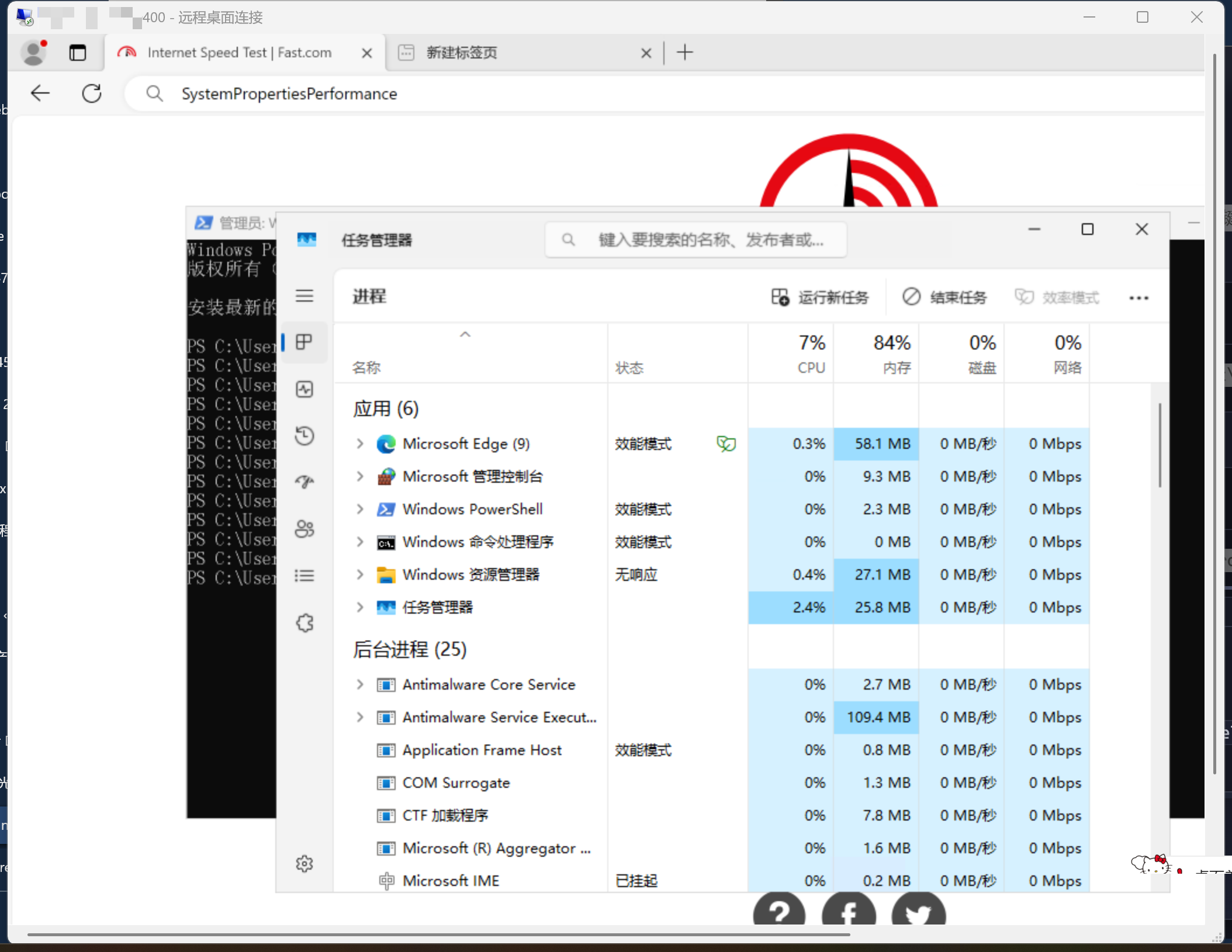
Step 5: 清理不必要的服务,优化系统占用(非必须)
🧰 一键关闭不必要服务(PowerShell)
powershell
# 关闭常见占内存服务
Stop-Service -Name "WSearch" -Force         # Windows Search
Stop-Service -Name "SysMain" -Force         # Superfetch
Stop-Service -Name "Spooler" -Force         # 打印服务
Stop-Service -Name "RemoteRegistry" -Force  # 远程注册表
Set-Service -Name "WSearch" -StartupType Disabled
Set-Service -Name "SysMain" -StartupType Disabled
Set-Service -Name "Spooler" -StartupType Disabled
Set-Service -Name "RemoteRegistry" -StartupType Disabled
🧹 清理内存缓存(CMD)
cmd
echo 1 > %SystemRoot%\System32\drop_caches
echo 2 > %SystemRoot%\System32\drop_caches
echo 3 > %SystemRoot%\System32\drop_caches
⚠️ Windows 默认没有
/proc/sys/vm/drop_caches,这类命令适用于 Linux VPS。如果你是双系统或 WSL 环境,可以用sync; echo 3 > /proc/sys/vm/drop_caches。
🧼 清理日志和临时文件(PowerShell)
powershell
# 删除 7 天前的日志
Get-ChildItem -Path "C:\Windows\Logs" -Recurse -Include *.log | Where-Object { $_.LastWriteTime -lt (Get-Date).AddDays(-7) } | Remove-Item -Force

# 清理临时文件
Remove-Item -Path "$env:TEMP\*" -Recurse -Force
⚙️ 调整视觉效果(CMD)
cmd
SystemPropertiesPerformance
会弹出“性能选项”窗口,选择“调整为最佳性能”即可关闭动画和阴影。

文章评论